Pause
Slow down before clicking, sharing, responding, or sending money—especially when a message creates fear or urgency.
The threats aren’t waiting. Neither should we. Online predators, convincing scams, and AI-powered deception can reach children, older adults, and families wherever they connect. Learn to recognize the warning signs and take action: Pause. Verify. Protect.

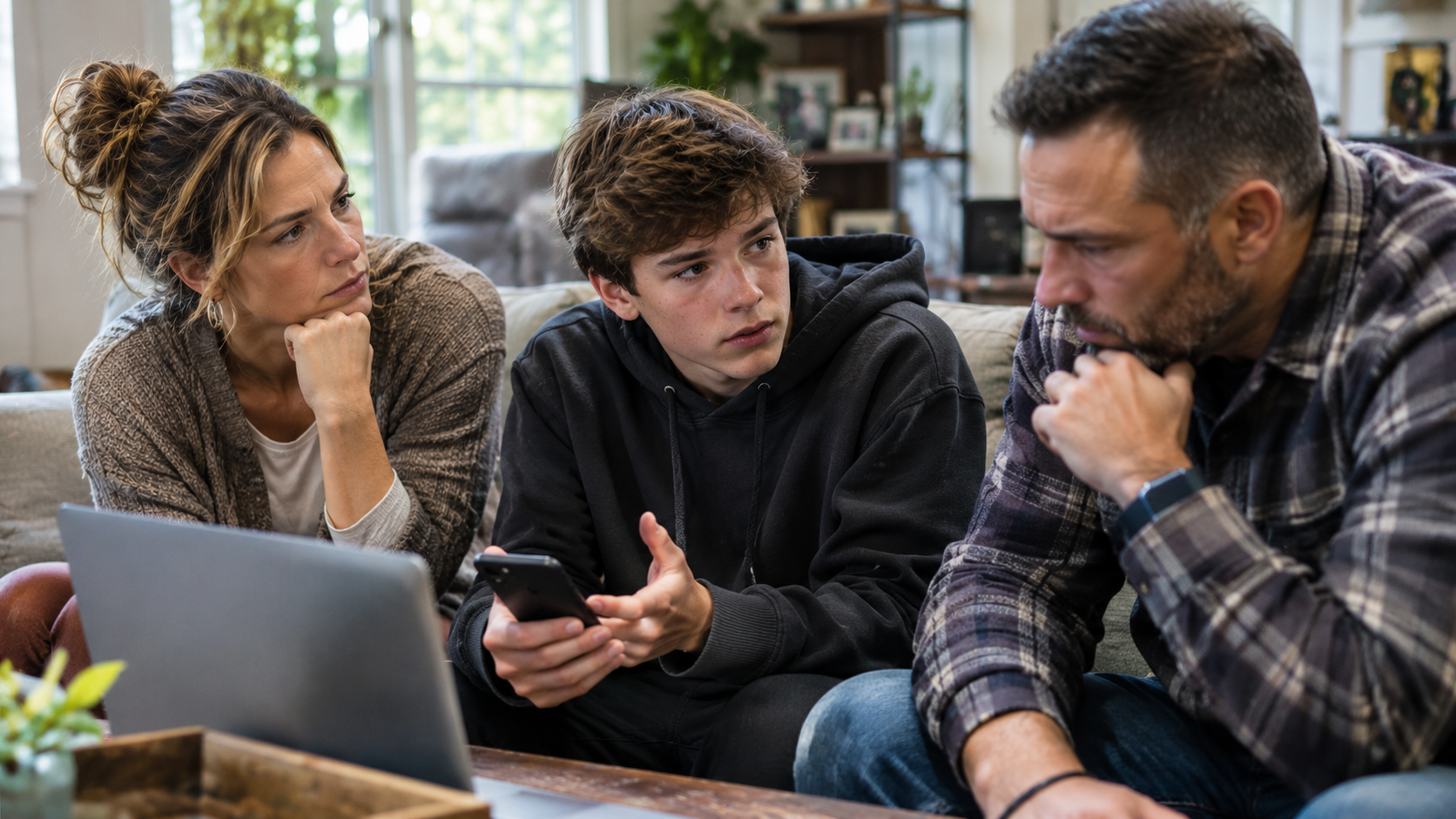
Digital risks can affect anyone in the household. Recognizing warning signs and talking openly helps families respond before a suspicious message becomes a serious problem.
From convincing scams and AI-generated media to online predators and misinformation, the risks are real. The answer isn't to fear technology. It's to practice three habits you can remember when it matters most: Pause. Verify. Protect.
Slow down before clicking, sharing, responding, or sending money—especially when a message creates fear or urgency.
Check the source, confirm identities through trusted channels, and question images, voices, links, and online claims.
Take the right next action: secure accounts, safeguard information, report threats, and help others stay safe.
A message, a game chat, or an unexpected phone call can become the starting point for manipulation or fraud. Recognizing what is happening early can make a critical difference. Digital Discernment gives families, caregivers, and communities practical steps to respond.
Grooming and child enticement can begin in games, group chats, or familiar apps. Parents and caregivers need to recognize manipulation and keep communication open.
Predators may use games, social platforms, private messages, and fake identities to build trust, isolate a child, or pressure them into sharing personal information or images.
Learn to spot secrecy, escalating requests, and attempts to move conversations to private channels—and how to respond safely.
Impersonation calls, fake emergencies, romance scams, fraudulent tech support, and requests for gift cards or transfers can exploit trust and urgency.
Learn how to verify a caller independently, interrupt high-pressure tactics, and protect accounts and finances.
Manipulated videos, cloned voices, phishing messages, and convincing fake websites make it harder to judge what is authentic at first glance.
Learn to question the source, confirm through a trusted channel, and avoid acting on an unverified claim.
Awareness is the first step. Preparation is what changes the outcome. Equip your family or organization before the next suspicious message or call.
Host a ProgramDigital Discernment is a comprehensive eight-hour education program built around the Pause, Verify, Protect framework, connecting technology awareness, digital safety, critical thinking, and responsible use. It is designed for engaging, accessible instruction—not technical jargon.
The program can support community education, church gatherings, school communities, caregivers, families, and professional groups.
Group format and audience needs can be discussed when requesting a hosted session.
Try these short, realistic learning experiences. They are fictional teaching examples, not live scams or a diagnostic test. Discover why slowing down and verifying matters.
Choose the safest next step. The answer and explanation appear immediately.
See how a seemingly friendly online interaction can develop warning signs. No graphic content is shown.
This is a fictional script illustrating a possible voice-impersonation scam. It does not use a cloned voice or actual family member.
Can you determine authenticity from a claim alone? Sometimes the most important skill is recognizing what you cannot verify.
Answer five practical questions. This is an educational self-check, not a security audit or a guarantee of safety.
Choose the group you serve to see how Digital Discernment can help.
Discover the real-world challenges we address through Digital Discernment—from scams and AI deception to online safety, privacy, and healthier technology habits. Explore each topic to see how we help people build awareness, make informed decisions, and put Pause. Verify. Protect. into practice.
The Digital Discernment Program is comprehensive full-day seminar. This immersive, eight-hour learning experience helps individuals, families, churches, schools, businesses, and community organizations understand how technology, social media, artificial intelligence, algorithms, scams, misinformation, privacy, and digital habits influence everyday decisions. Through practical instruction, real-world examples, guided discussion, and interactive activities, attendees learn how to approach technology with wisdom, confidence, responsibility, and purpose rather than fear.
Predator In Your Pocket is a practical digital-safety class for parents, grandparents, educators, church leaders, and concerned adults. It explains how online predators use smartphones, social media, gaming platforms, messaging apps, secrecy, grooming, manipulation, and emotional pressure to gain access to children and teens. The class focuses on recognizing patterns early and creating safer conversations and habits without relying only on fear.
This class explores how artificial intelligence can create convincing images, cloned voices, altered video, synthetic identities, and persuasive content that may be difficult to distinguish from reality. Attendees learn how digital manipulation is used in scams, misinformation, reputation attacks, and social influence, along with practical habits for slowing down and verifying what they see and hear.
Every search, post, photo, comment, review, tag, and shared item can contribute to a lasting digital record. This class explains how digital footprints shape personal reputation, school and employment opportunities, business credibility, relationships, and future choices. Attendees learn how to review, improve, and intentionally manage what others may find online.
Cyberbullying Awareness helps adults and young people recognize harassment, exclusion, humiliation, impersonation, rumor-spreading, threats, and repeated intimidation online. The class explains how cyberbullying differs from ordinary conflict and provides practical guidance for documenting incidents, supporting those affected, using platform tools, and responding without escalating the situation.
This class examines how notifications, endless scrolling, gaming, streaming, social media, and constant device access can affect sleep, focus, productivity, emotional health, relationships, and family routines. Rather than promoting unrealistic technology bans, it helps attendees create practical boundaries and healthier habits that can be sustained.
Protecting Your Family Online provides a practical framework for building a safer digital environment at home. The class covers device access, passwords, privacy settings, location sharing, messaging, gaming, social media, scams, age-appropriate conversations, and family expectations. The focus is on trust, communication, preparation, and shared responsibility.
This class explains how personal and organizational data is collected, stored, shared, sold, and exposed through websites, apps, devices, online accounts, and everyday digital activity. Attendees learn how permissions, cookies, location tracking, public profiles, shared devices, data brokers, and weak security practices affect privacy and trust.
This class helps attendees strengthen account security, recognize common scams, and respond quickly when personal or financial information may be compromised. It covers password creation, password managers, multifactor authentication, phishing, impersonation, fake support messages, account takeovers, and identity-theft response.
Recognizing Misinformation teaches attendees how to evaluate headlines, images, videos, sources, claims, and emotionally charged content before reacting or sharing. The class explains why misinformation spreads, how confirmation bias and urgency influence decisions, and how to verify information using practical tools and repeatable habits.
Online Safety for Seniors is a calm, beginner-friendly class focused on using technology with greater confidence and less fear. It covers fake support calls, suspicious emails and texts, online purchases, social media, passwords, privacy, account security, and common financial scams without overwhelming attendees with technical language.
Digital Safety for Churches equips church leaders, staff, volunteers, and members to navigate technology responsibly while protecting people and ministry. Topics include online communication, youth safety, privacy, livestreaming, scams, account access, digital reputation, social media, member data, and appropriate technology use.
Digital Safety for Schools helps educators, administrators, staff, and families better understand student privacy, cyberbullying, online behavior, social platforms, AI-generated content, digital reputation, scams, and communication risks. The class emphasizes prevention, shared responsibility, and practical steps that support safer learning environments.
Raising Digital Citizens helps parents, caregivers, and educators teach children and teens how to use technology responsibly. The class focuses on respect, empathy, truthfulness, privacy, boundaries, permanence, reputation, critical thinking, and what to do when something goes wrong online.
This class explores how comparison, validation, feedback loops, outrage, constant connectivity, and algorithm-driven content can affect mood, confidence, identity, relationships, and emotional well-being. Attendees learn how to recognize unhealthy patterns and create more intentional social-media habits.
Explore the Digital Discernment online learning community for related educational content and resources.
Use the existing community link to explore online learning access and available resources.
Visit the Online Community ↗Practical guidance, real-world examples, and useful tools to help you Pause. Verify. Protect. every day.
Spot phishing texts, grooming, fake links, and urgent scams. Create a simple digital safety checklist.
Understand AI in simple language. Verify images, videos, and information with calm, biblical discernment.
Bigger text, fewer notifications, better photos, safer settings, and easier communication.
Use Facebook, messages, and online platforms with privacy, purpose, and kindness.
Apply biblical wisdom to truth, boundaries, attention, and digital decision-making.
Participants receive practical materials they can keep using after the seminar ends.

A believable call, text, or AI-generated voice can put an older adult’s savings and personal information at risk. Knowing when to pause and verify makes a difference.
Follow the learning journey from understanding the digital world to applying wisdom and safer habits in everyday life.
Learn how the online world really works — the systems behind websites, apps, and algorithms — and how to spot truth in a noisy digital age.
Hands-on guidance to make your phone and tablet easier to use. Adjust settings, connect to Wi-Fi, and master texting, calling, and taking photos confidently.
Identify fake links, phishing emails, and too-good-to-be-true offers. Create a simple safety checklist that keeps you and your loved ones secure.
Understand what artificial intelligence is, how it shows up in daily life, and how deepfakes can manipulate truth. Learn practical steps to verify what’s real.
Small-group practice that reinforces everything learned, answers questions, and sends participants home feeling equipped — not overwhelmed.
Explore what Scripture says about wisdom, truth, and focus. Apply faith-anchored principles when deciding what to click, read, share, or ignore.
Use practical tools for daily life — email, calendar reminders, video calls, and cloud storage — simplified for easy, confident use.
Post, comment, and message safely. Balance connection with healthy boundaries. Avoid comparison traps and curate a life-giving feed.
Discover apps and tools that strengthen faith life — online devotionals, Bible study groups, church livestreams, and simple ways to serve others.
End with reflection and prayer. Set digital boundaries that bring peace, productivity, and purpose.

Founder of The Technology Business Coach™ and creator of C.O.R.E., Craig equips individuals and communities to use technology with confidence, wisdom, and safety—without the jargon.
His practical, faith-informed teaching connects online safety, scams, artificial intelligence, deepfakes, and everyday digital decision-making.
Bring practical digital safety education to your church, school, organization, or community. Register to attend or book a call to discuss hosting a program.
Take the next step toward recognizing digital threats and protecting the people who matter most. Select your preferred available time below.
If the registration calendar does not display, open registration in a new tab.